sayaragear
CarlinKit Mini 5 Pro Wireless CarPlay Adapter USB Dongle Wired to Wireless Android Auto 5Ghz WiFi Fast Connect Split Screen OTA
CarlinKit Mini 5 Pro Wireless CarPlay Adapter USB Dongle Wired to Wireless Android Auto 5Ghz WiFi Fast Connect Split Screen OTA
Couldn't load pickup availability
SPECIFICATIONS
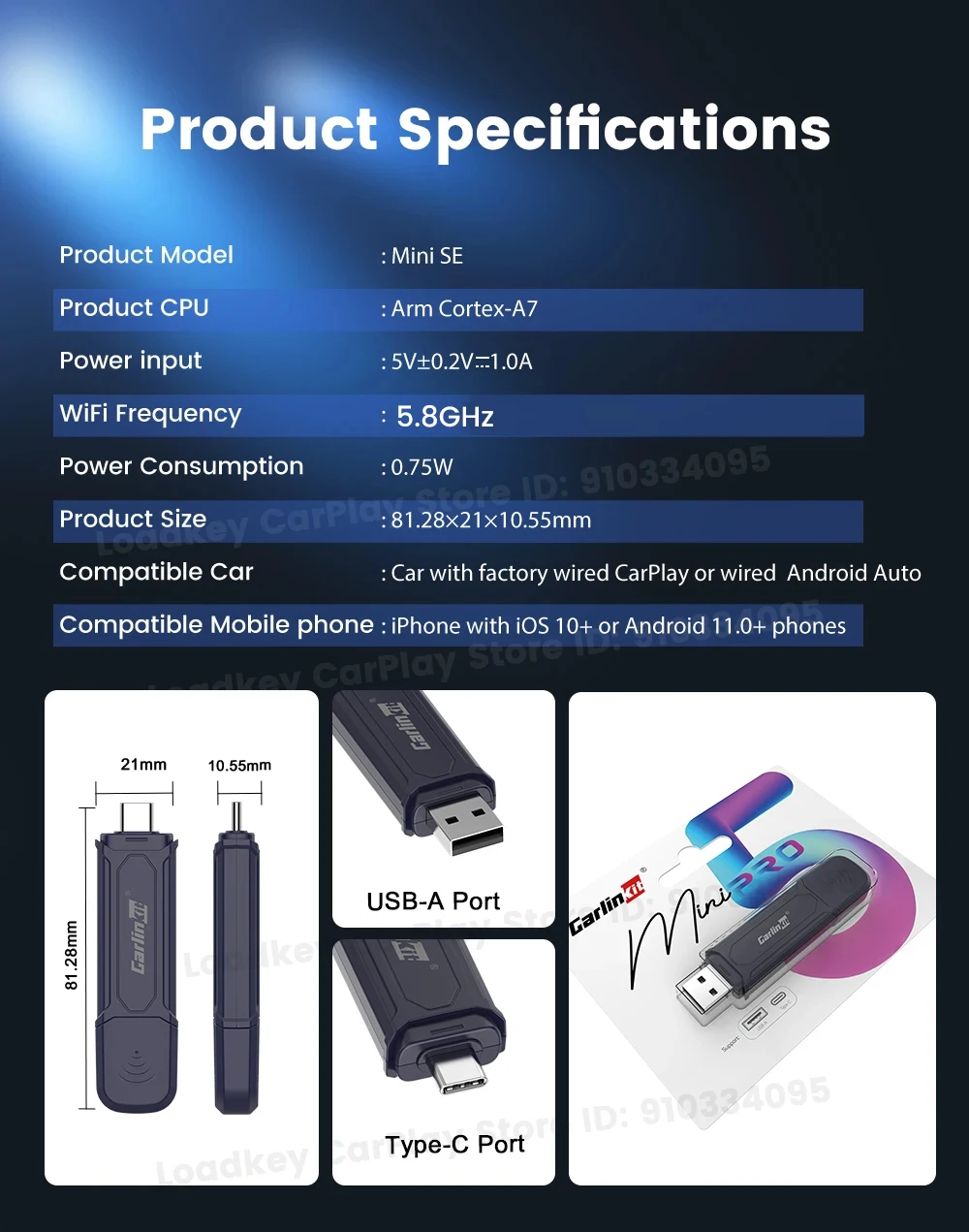
Brand Name: Carlinkit
CPU: Arm Cortex-A7
Compatible Car: Car with factory wired CarPlay /wired Android Auto
Compatible Mobile phone: iPhone 6 and above, iOS 10 and above
Connection Hints: Wireless connection
Features 1: Plug and play, non-inductive connection, say goodbye to wired constraints
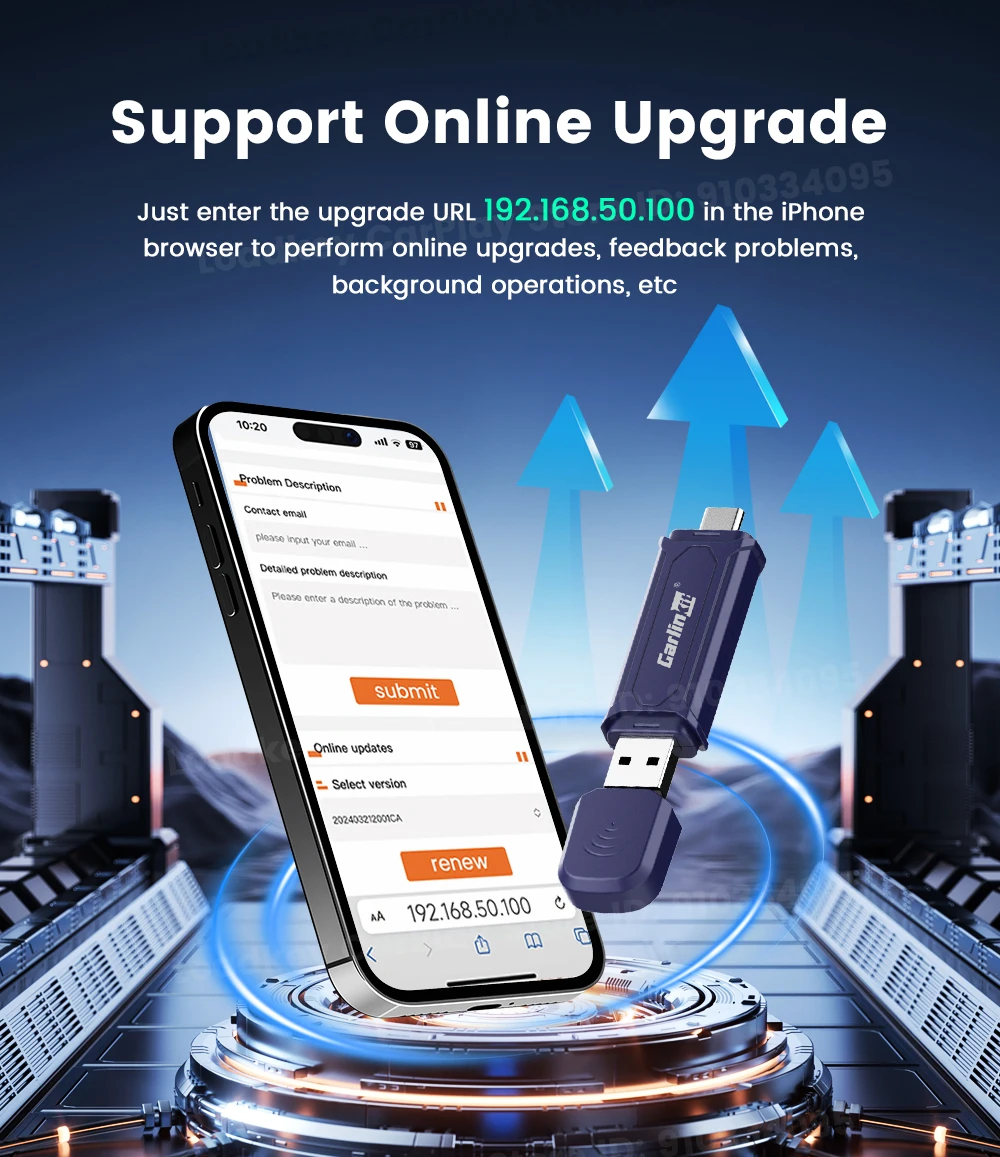
Features 2: Support OTA upgrade, online feedback, solve problems quickly
Features 3: Continue the buttons, knobs and other operations of the original car
Features 4: Compatible with the original car microphone, continue the original car sound quality
High-concerned chemical: None
Language: Automatically switch according to the vehicle language environment
Material: PC+ABS
Model: MINI SE PRO
Option for Connectivity: USB Type-C or Type-A connector
Origin: Mainland China
Power Consumption: 0.75W
Power Input: 5V±0.2V 1.0A
WiFi Frequency: 5G
The CarlinKit MiNi SE Pro Wireless CarPlay/Android auto Box is the ultimate smart copilot
Stay on top of your driving with this amazing device that puts everything at your fingertips.
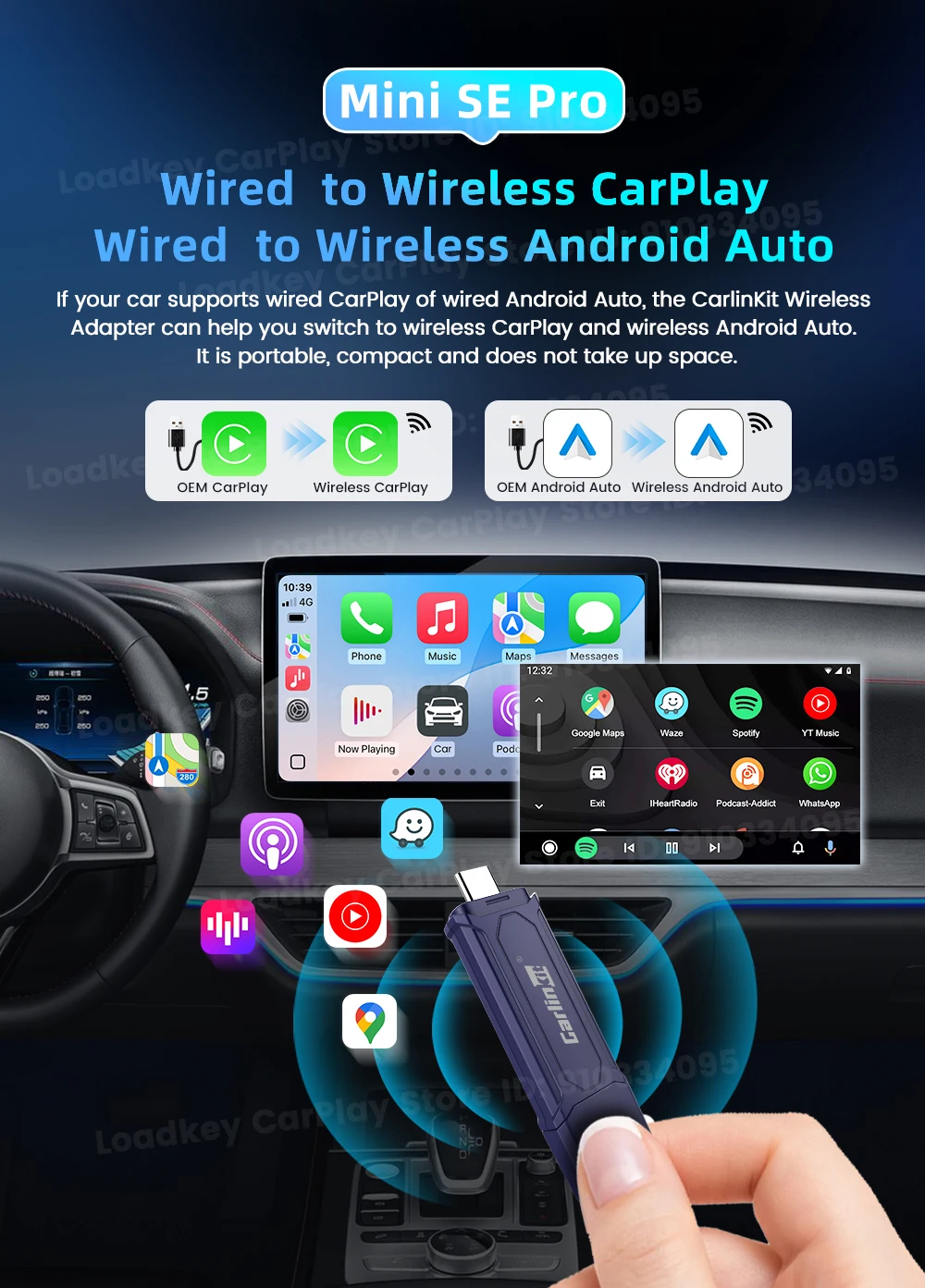
Enjoy a relaxed wireless car life
If your car has original wired CarPlay or Android Auto, this adapter allows wireless CarPlay/Android Auto protecting the iPhone's lightning port, giving you the best of both worlds! No need to plug in your iPhone - it's that easy

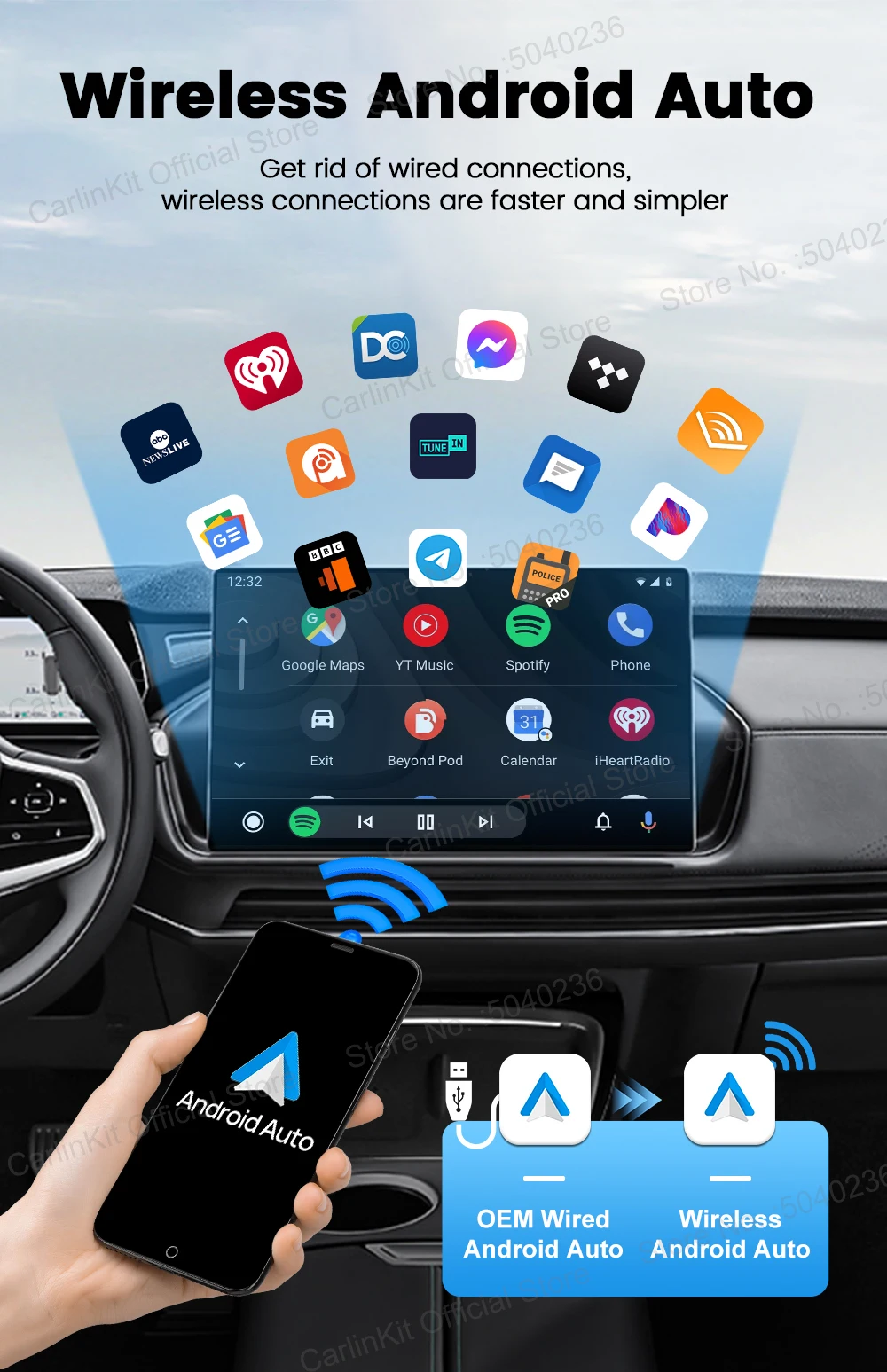
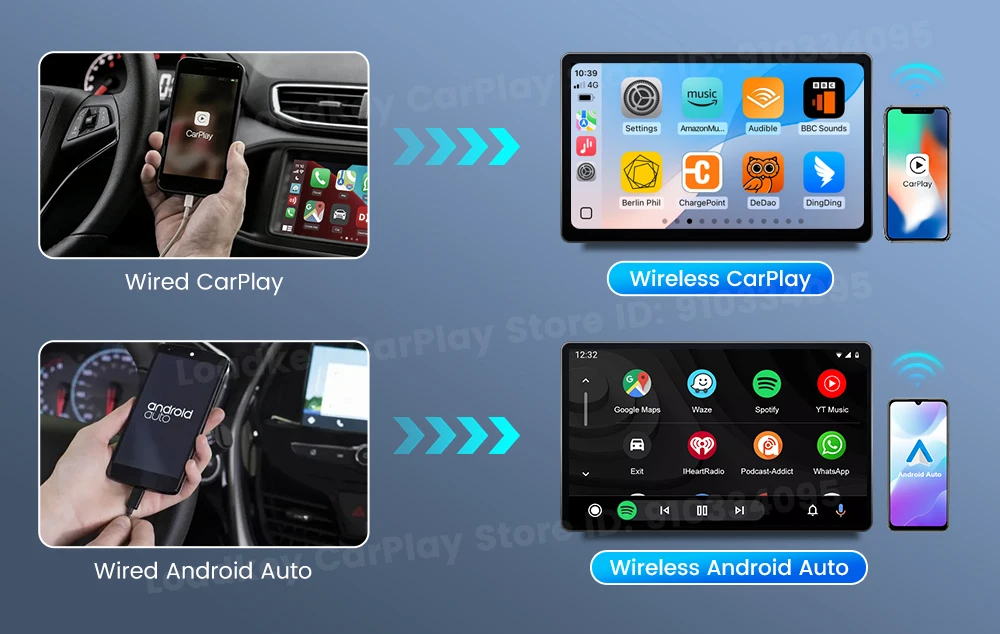

Plug and Play Quick Connection
Simply plug the MINI SE into your car’s USB or Type C port for wireless connection
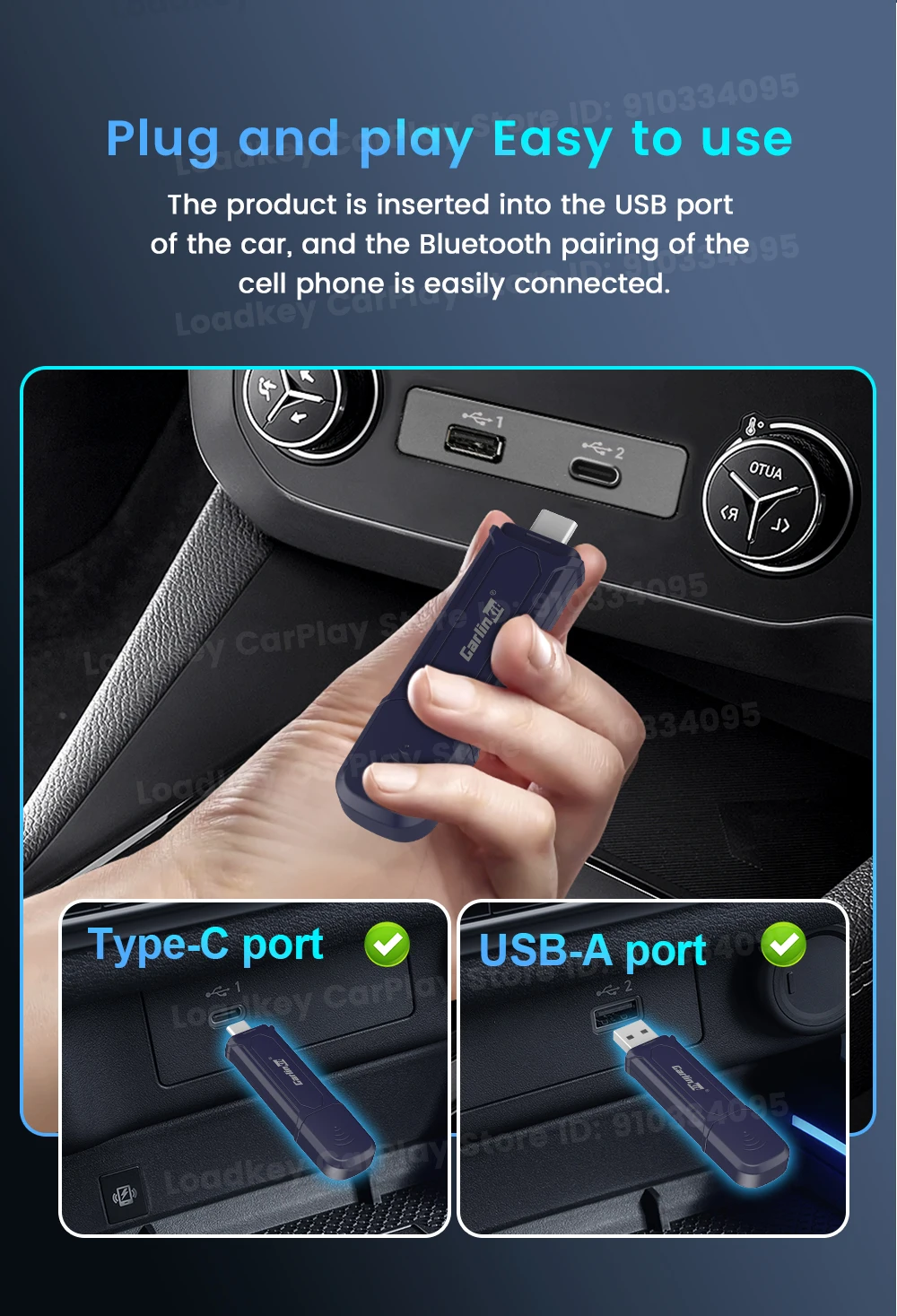
Non-inductive automatic connection
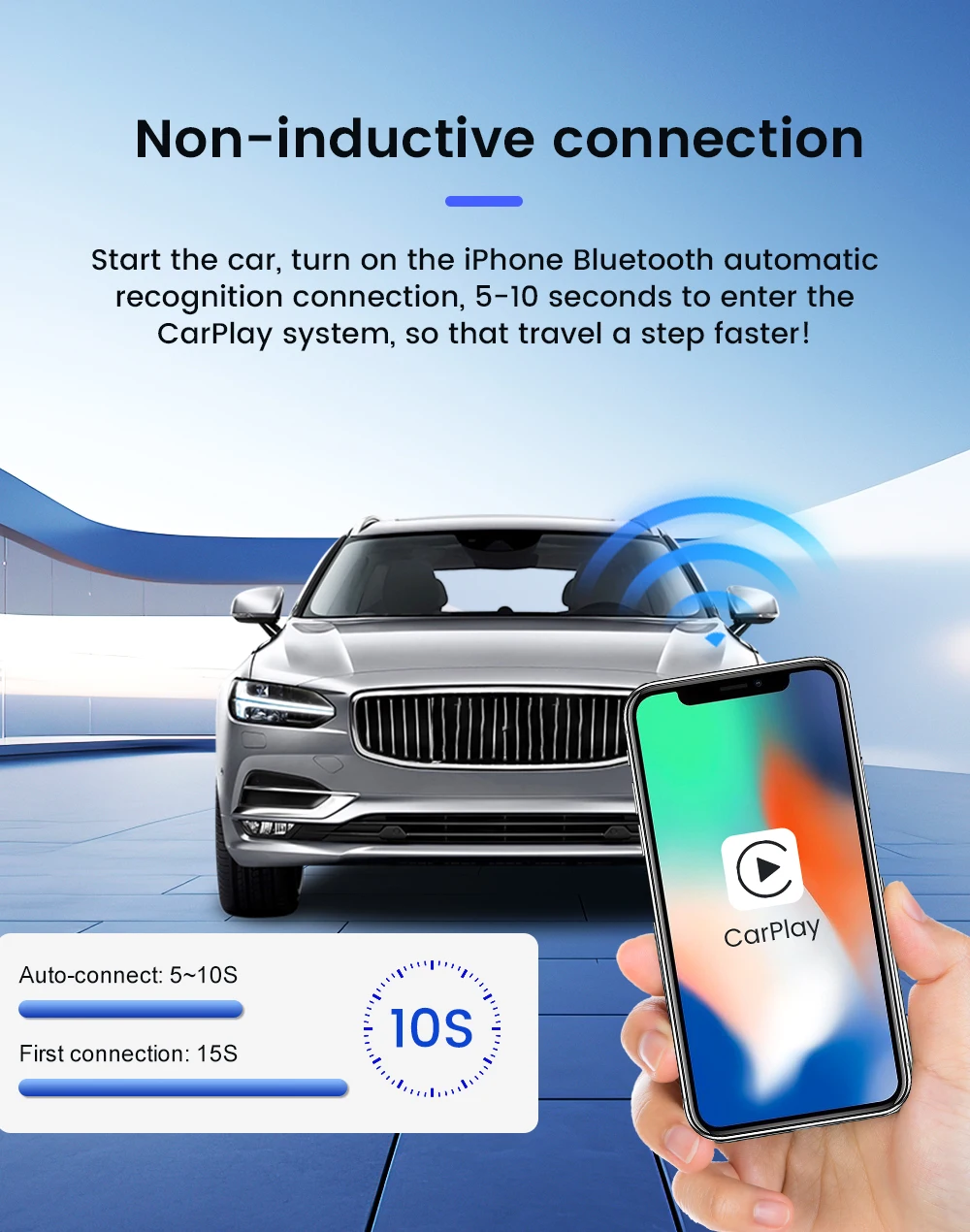
Stay on top of your driving with this amazing device that puts everything at your fingertips. With just a word, touch, or twist, you can control everything you need. You'll save a whopping 40% of your time through quick auto-connection and seamless operations such as navigation, music playing, Siri assistant, phone calls, and radio! All you have to do is plug it into the CarPlay port in your car – No Need to Plug in Your Phone!

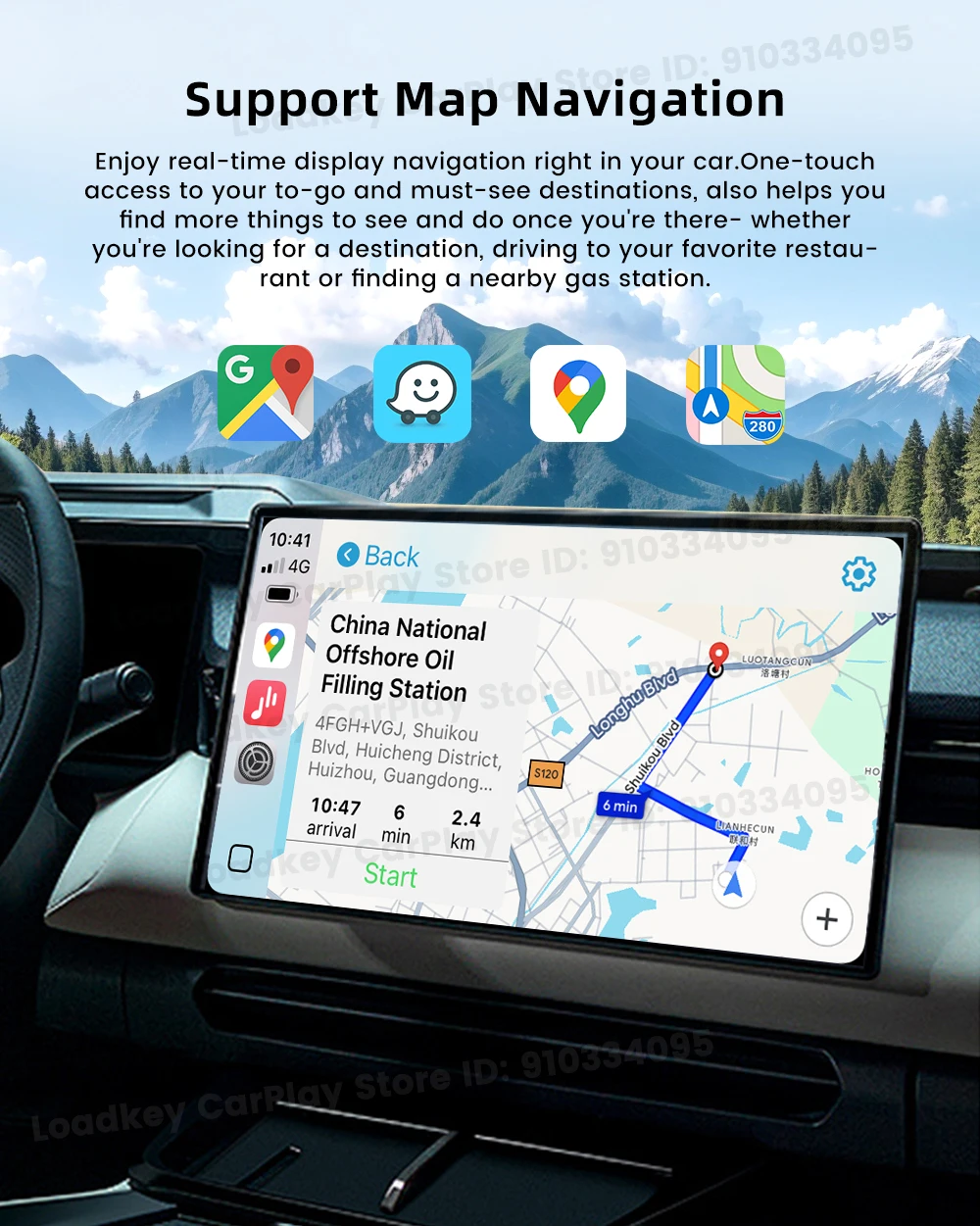
Support Map Navigation
How to Connect Wireless CarPlay and Wireless Android Auto

Non-destructive upgrade
Retain all the functions of the original car, no need to change driving habits, travel safer

support online upgrade
User Manual
Scan the QR code to get the instructions