sayaragear
CarPlay Adapter Wireless Android Car Dongle Bluetooth for Original Car Radio with Wired CarPlay Car Radio Plug and Play 2in1
CarPlay Adapter Wireless Android Car Dongle Bluetooth for Original Car Radio with Wired CarPlay Car Radio Plug and Play 2in1
Couldn't load pickup availability
SPECIFICATIONS
Brand Name: AKAMATE
Choice: yes
High-concerned chemical: None
Name: CarPlay Dongle
Origin: Mainland China
Use with: OEM wired CarPlay car radio
Wired Android Auto to Wireless Android Auto: Support
Wired CarPlay to Wireless CarPlay: Support
Item Description
Attention
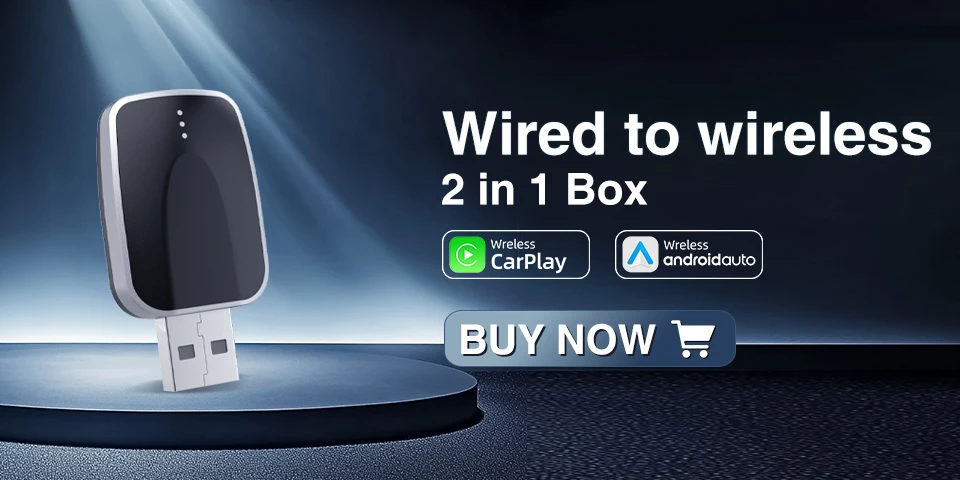
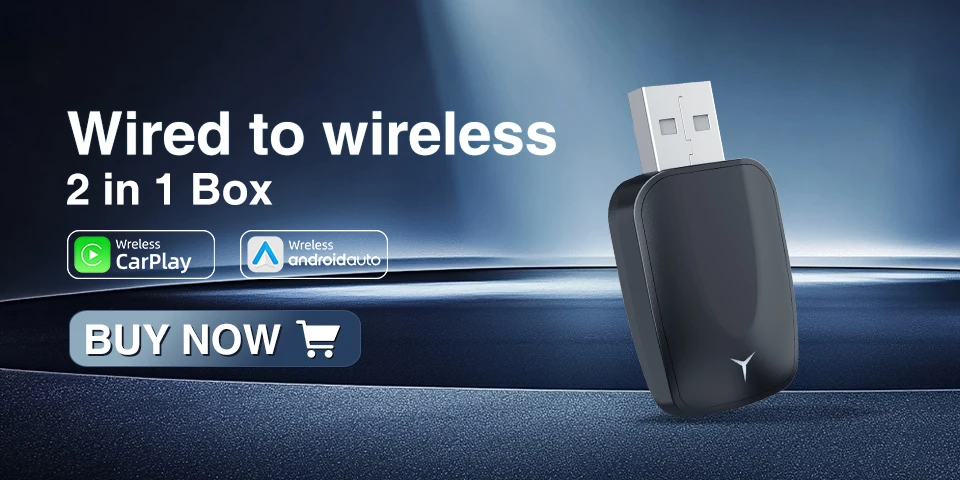
The function of this product is to convert the originalwired Carplay/Android Auto into wireless CarplayAndroid Auto.
Note before buying
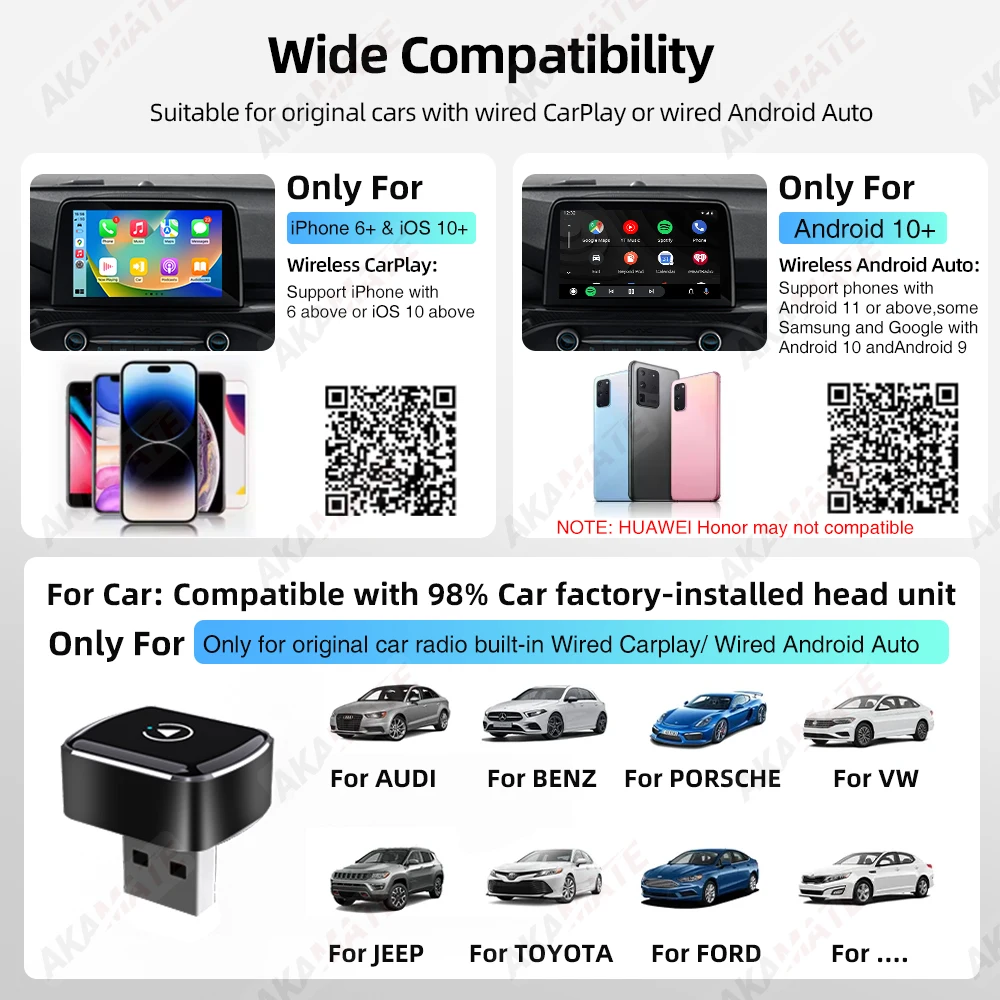
1. Please make sure your original car has OEM CarPlay,This product is suitable for 98% of cars with originalwired Carplay.BMW, Tesla and some
models are not compatible.lf you are not sure. You can contactcustomer service to inquire.
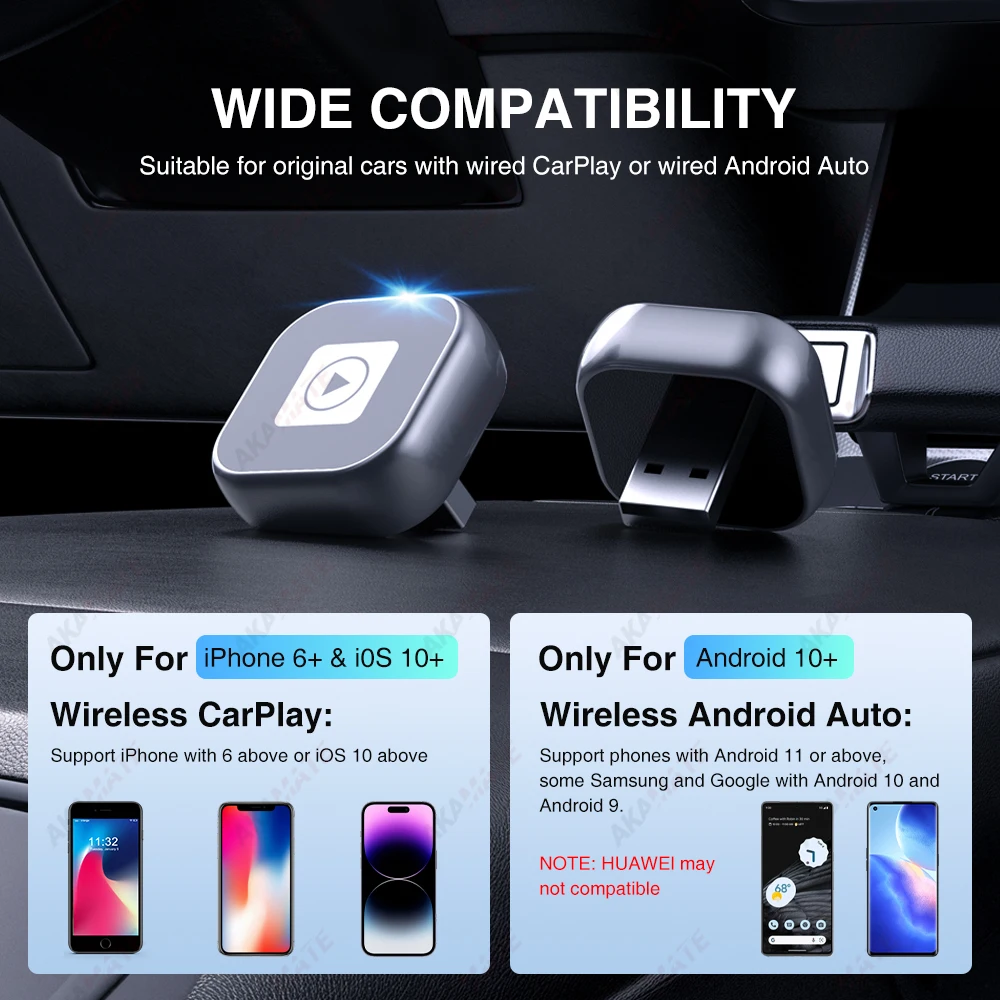
2. For Carplay, it supports iPhone 6 and above models, and the software version is ios 10 or above.
3. For Android Auto, it supports Android 11 and above models.Note that the Huawei / Honor mobile phones are not support this adapter.
Features
1. Wired to wireless CarPlay adapter, say goodbye towires.USB plug-and-play installation, stable and fast,no need to remove OEM radio
2. It can be connected automatically after the first successful connection.
3.Certified 5Ghz WiFi module, providing a faster andbetter wireless experience.
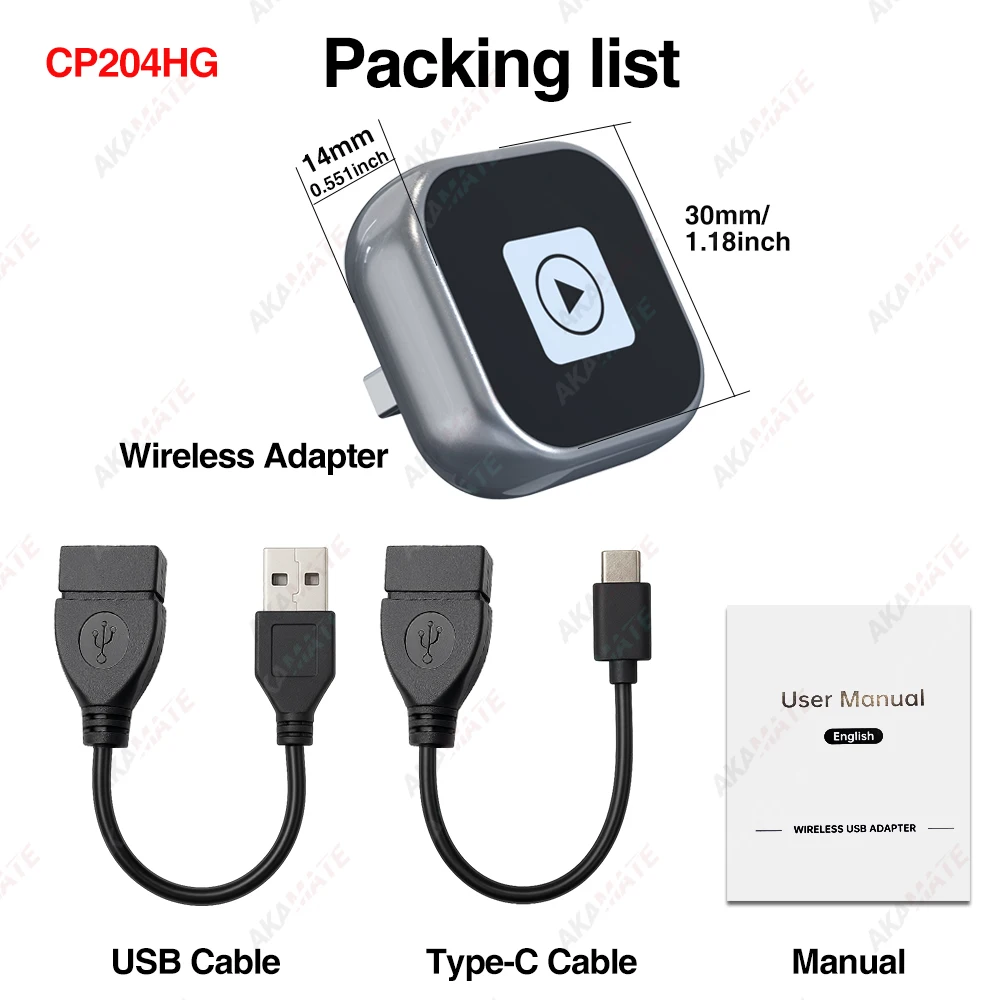
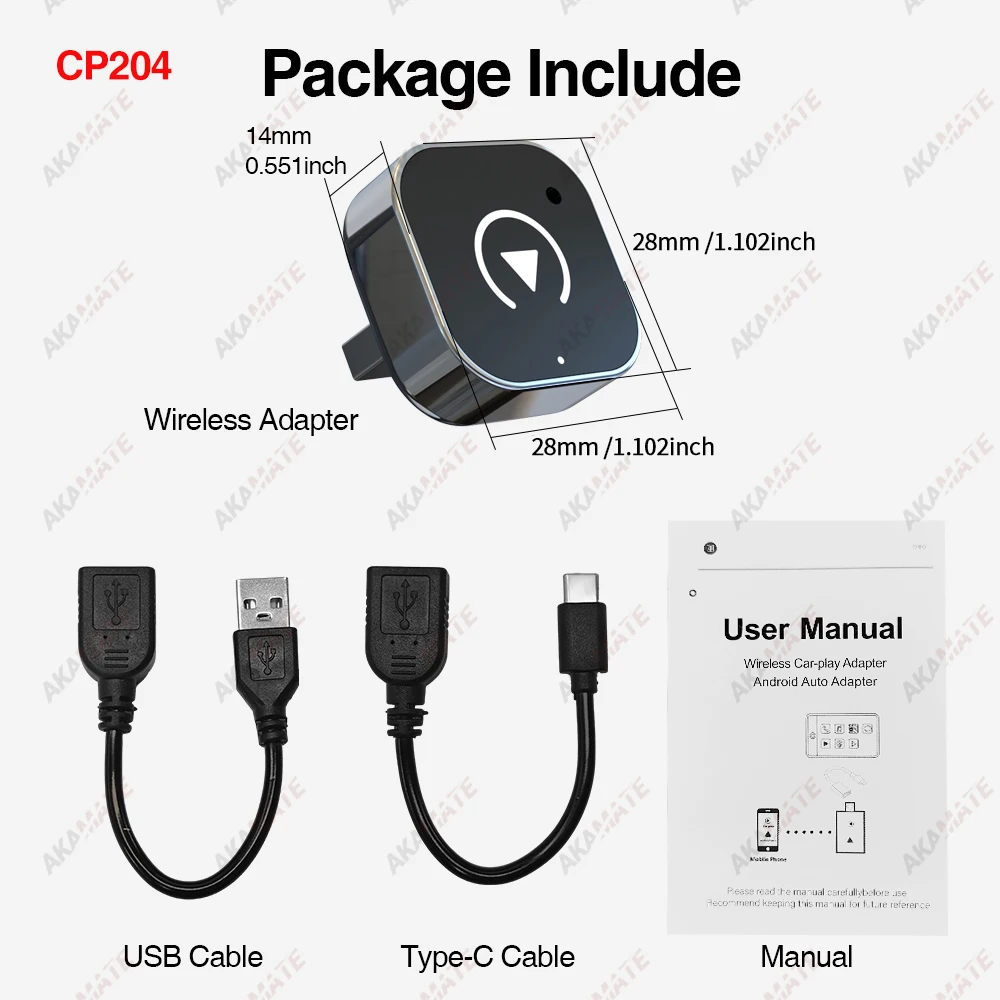
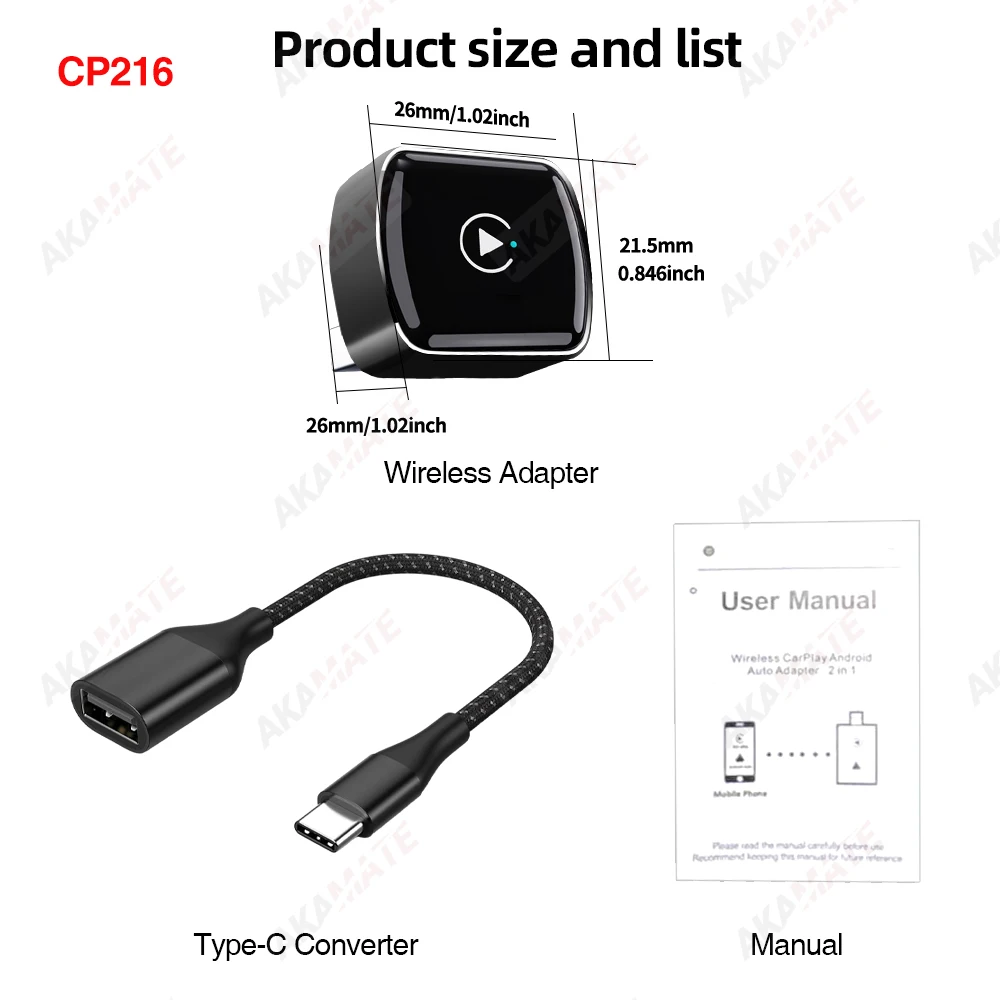
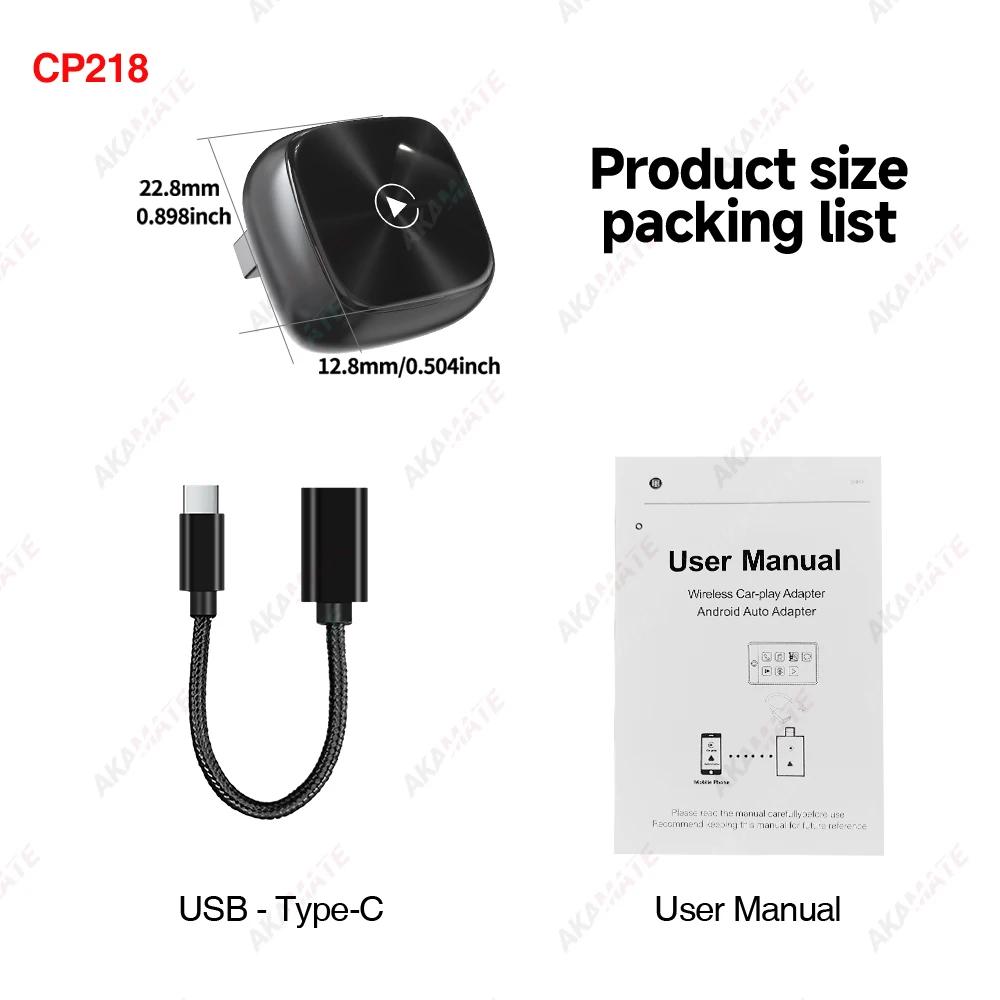
Different styles packing list
CP204HG
CP204
CP216
CP218
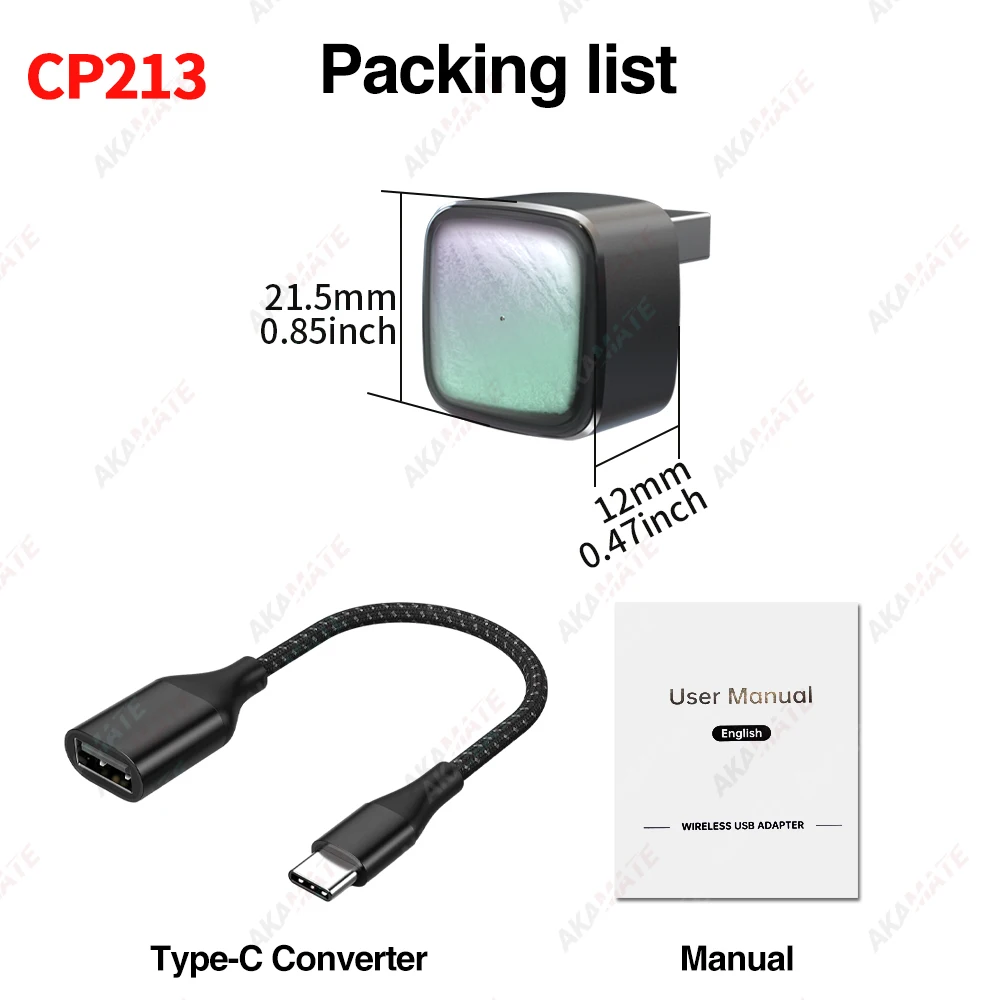
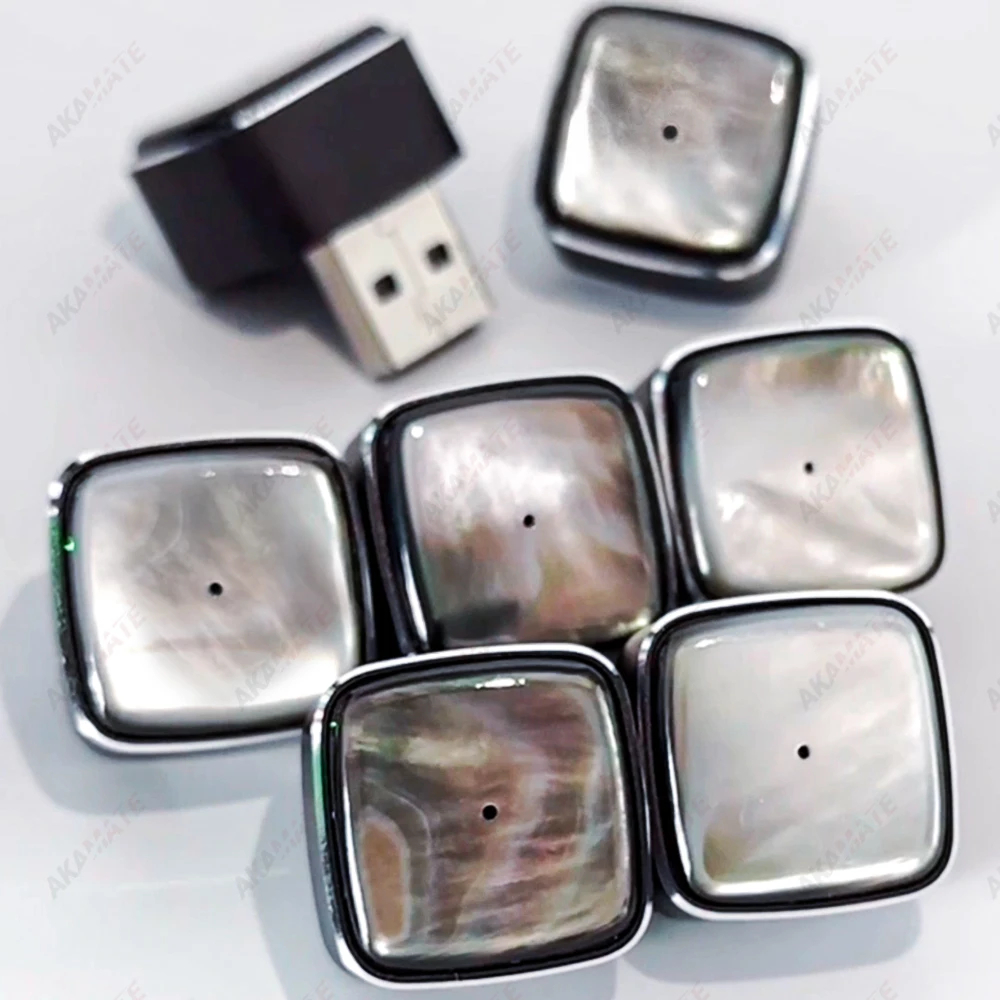
CP213
Please note: Each shell of CP213 is unique, so the product you receive may differ from the one shown in the picture.
2 in 1 CarPlay Dongle
Supports models with built-in wired CarPlay wired Android Auto change to wireless CarPlay and Android Auto.
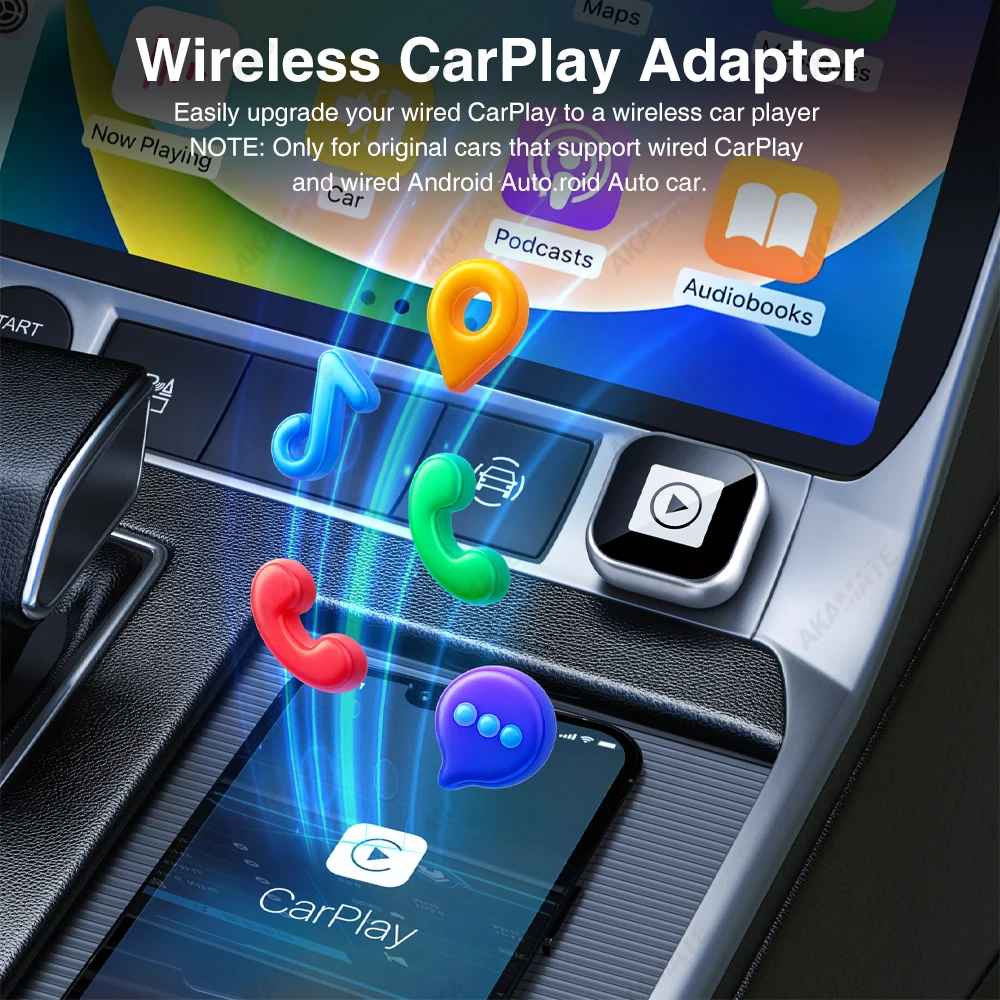
All-round intelligent Travel Experience
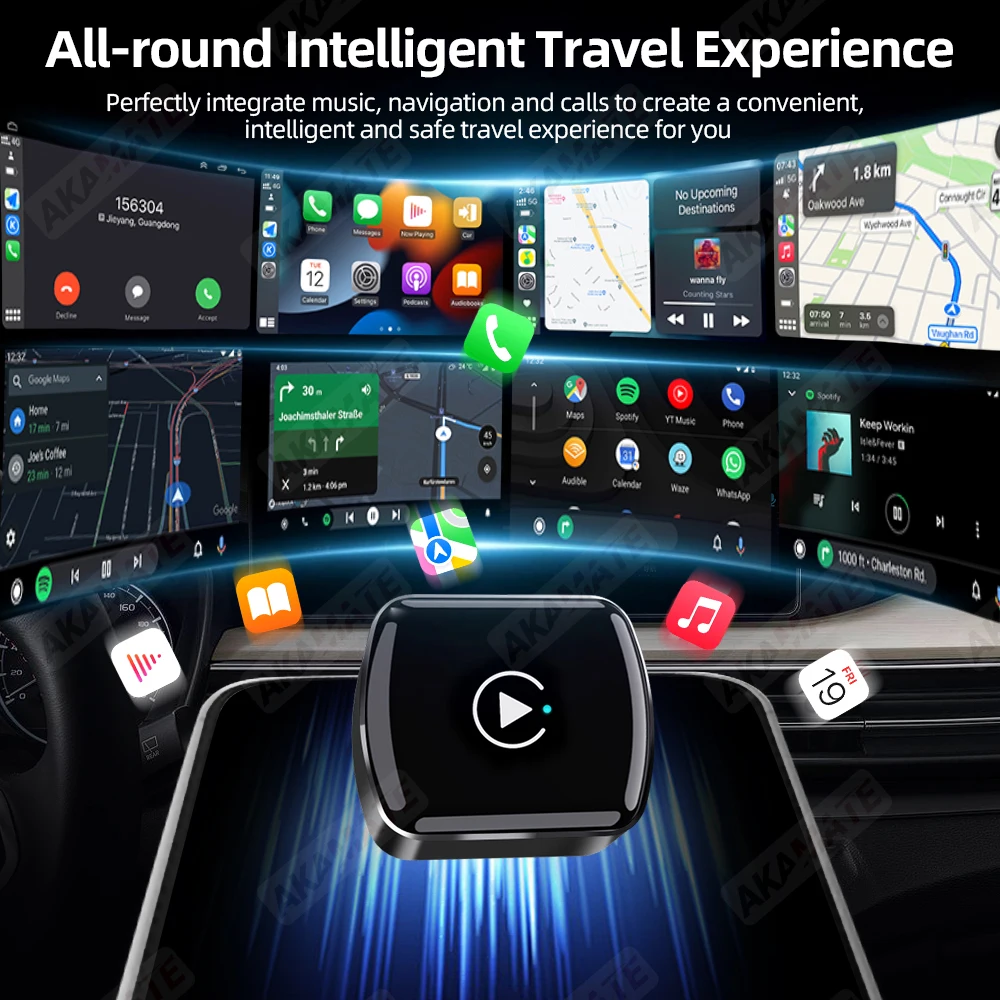
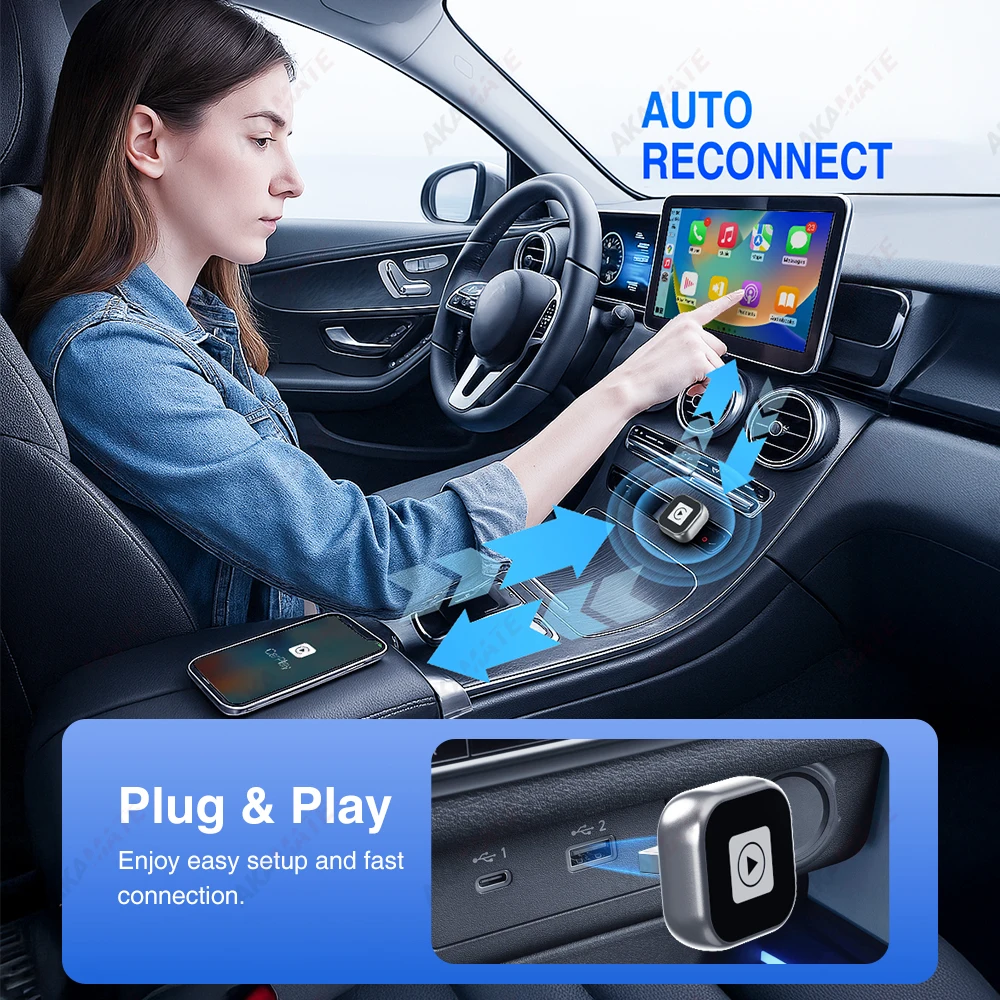
AUTO RECONNECT &Plug & Play
Enjoy easy setup and fast connection.
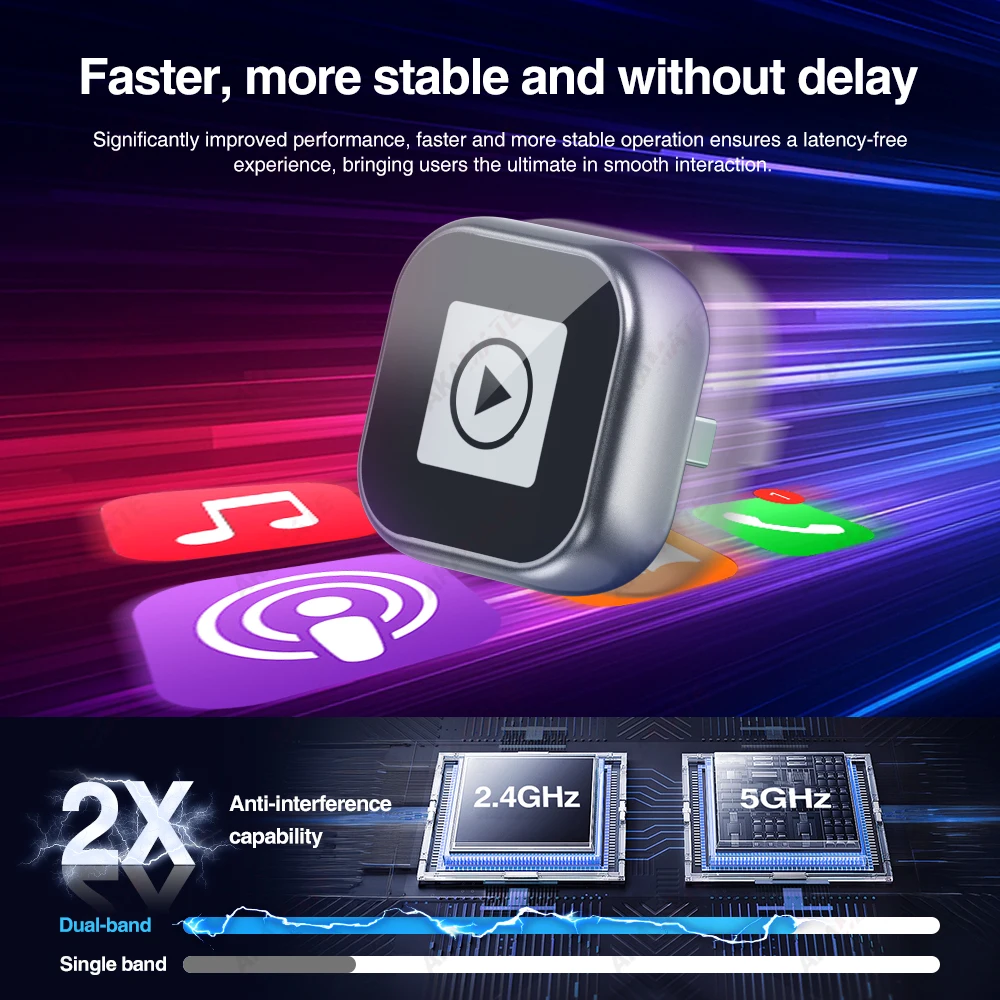
Faster, more stable and without delay
Significantly improved performance, faster and more stable operation ensures a latency-free
experience, bringing users the ultimate in smooth interaction.
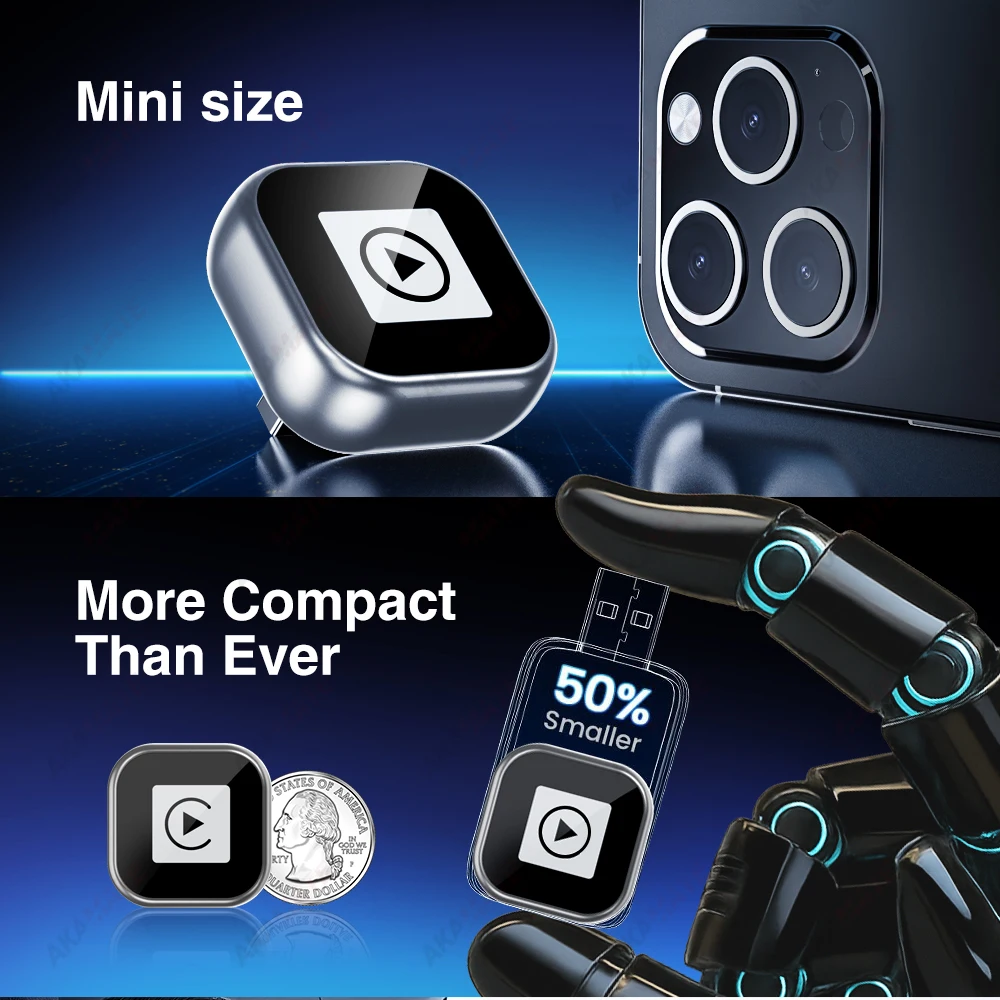
Mini size
Smaller size, nearly half the size of the previous one
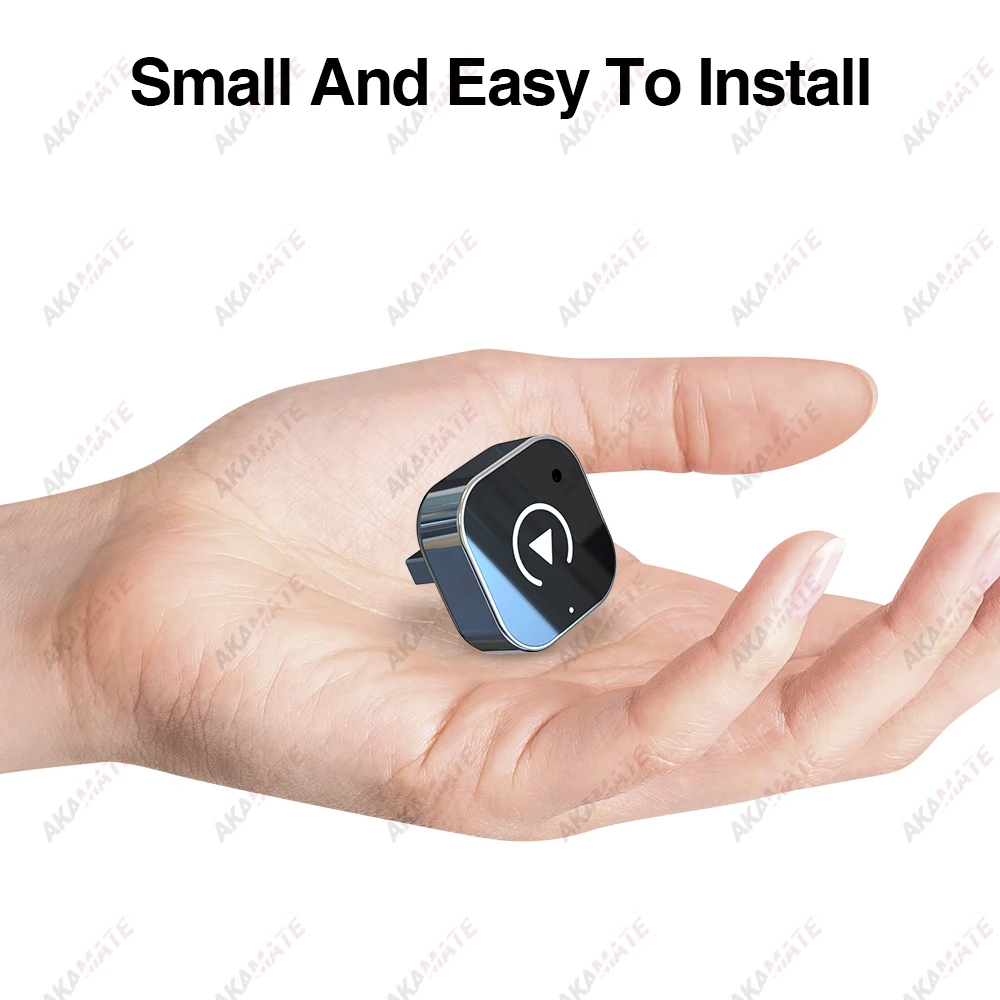
WIDE COMPATIBILITY
Suitable for original cars with wired CarPlay or wired Android Auto
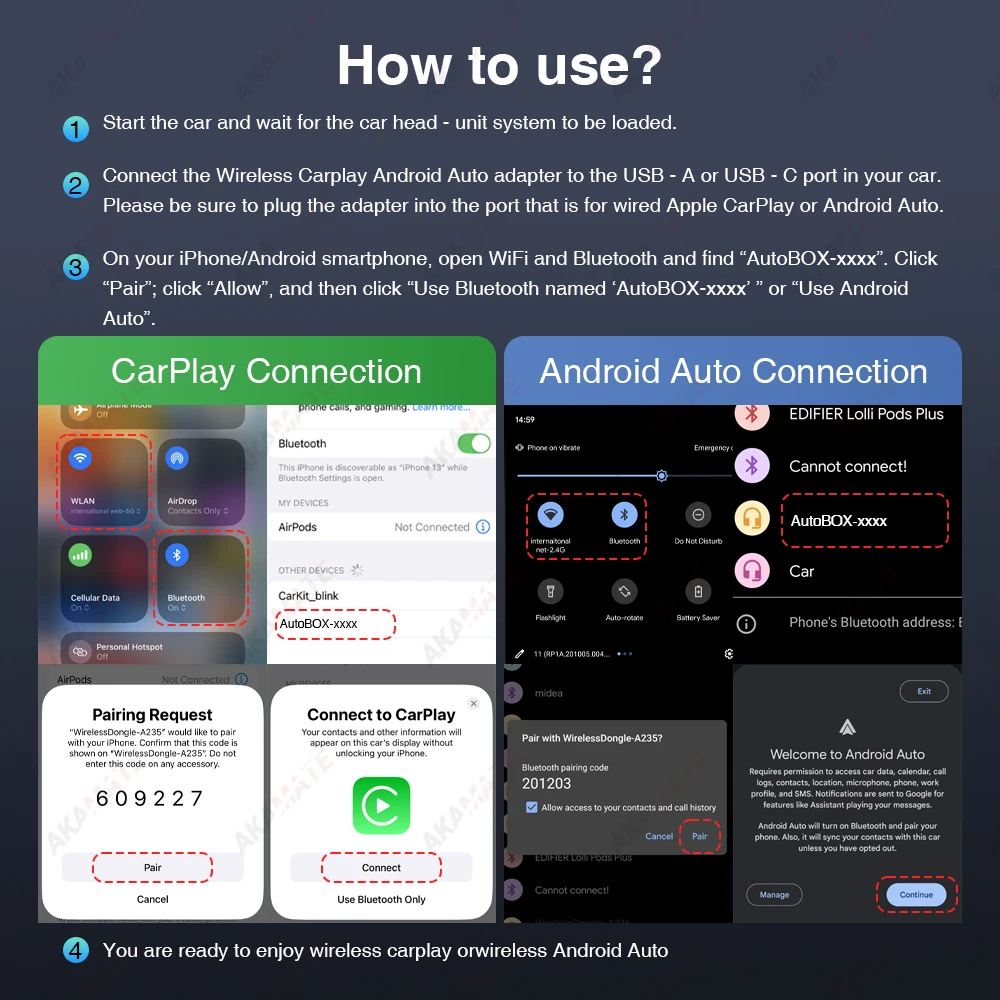
How to use?
1.Start the car and wait for the car head - unit system to be loaded.
2.Connect the Wireless Carplay Android Auto adapter to the USB-A or USB-C port in your car.
Please be sure to plug the adapter into the port that is for wired Apple CarPlay or Android Auto.
3.On your iPhone/Android smartphone, open WiFi and Bluetooth and find “AutoBOX-xxxx". Click “Pair"; click “Allow", and then click "Use Bluetooth named ‘AutoBOX-xxxx' ” or “Use Android Auto".